

chkk command-line interface (CLI) offers a developer-first way to explore
the Chkk universe.
Install
- Linux
- MacOS
- Windows
Install a pre-built binary on Linux using the following instructions.Or using Brew.
Quick Start
Thechkk start command will get you started in the Chkk universe.
The command will lead you through registering one or more clusters
with Chkk and request a Chkk upgrade assessment for those registered
clusters.
Registering a cluster with Chkk is the process of collecting
resources from the cluster and submitting those collected results to
Chkk.
Type chkk start in a terminal to begin.
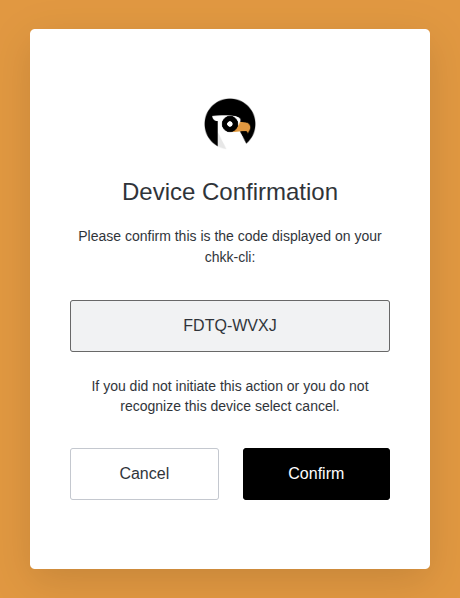
Register a Cluster
After clicking “Confirm”, in your terminal you will see a successful login message and a prompt to register a cluster with Chkk:Request an Upgrade Assessment
A Chkk upgrade assessment is a report that alerts you to potential issues with an upgrade of your cluster and recommends upgrade versions for your Cloud Native Projects. Hit Enter or “Y” to select one or more clusters for an upgrade assessment.View an Upgrade Assessment
You can view the upgrade assessment in your terminal using thechkk upgradeassessment get command: